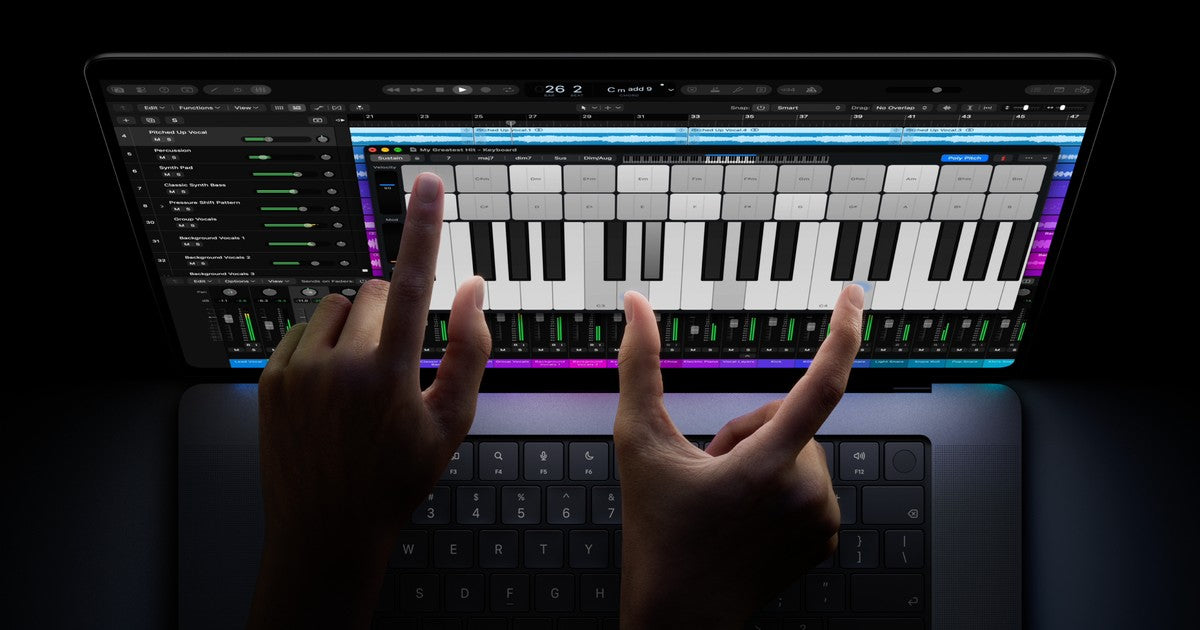

Apple announced the 14-inch MacBook Pro with M6 on 27 October 2026. For buyers comparing a MacBook Pro in Mauritius, the useful question is how the complete configuration fits your work, not simply whether its chip has the newest name.
This iStore guide explains the announcement and the checks we recommend before ordering. International launch details do not confirm local stock or a Mauritius price.
What does the M6 announcement include?
Apple describes a 12-core CPU, a 12-core GPU and a Dual 16-core Neural Engine. The announcement also lists Wi-Fi 7, Bluetooth 6, a 12MP Center Stage camera and a six-speaker sound system.
Those specifications provide a starting point for comparison. They do not tell you how much memory or SSD storage is included in a particular offer, or guarantee a specific result in every application. Compare the exact configuration and your software’s requirements together.
Which display does this MacBook Pro have?
The announced M6 model has a Liquid Retina XDR display, with a nano-texture option. It should not be confused with the separately announced MacBook Pro with PROLED XDR Display. A photo or the words “new MacBook Pro” are not enough to identify the display family.
If a display feature matters to your work, confirm it against the precise model being offered. Keep the chip, display description, memory and SSD specification together when comparing quotations.
How should you interpret battery claims?
Apple advertises up to 24 hours of battery life for the announced model. Treat this as an upper-bound manufacturer claim under its stated test conditions, not a prediction for your own editing session, development workload or video calls. Your applications and usage affect the experience.
Who should consider it?
Our recommendation is to start with the problem your present computer cannot solve. Are projects taking too long, are you regularly short of working memory, or do you need a different display and connection setup? A clear answer makes comparison more useful than upgrading because of the chip name alone.
For lighter work, compare your needs across the Mac range rather than assuming the Pro is always the right choice. For demanding work, check application requirements and independent testing relevant to your actual workflow.
Check memory, storage and your desk setup
Read our Mac memory versus SSD guide if those specifications are unclear. A larger SSD and more memory address different needs, so do not compare configurations using storage capacity alone.
List any monitors, hubs and other equipment you use. Confirm the exact model’s support for your intended connections before treating a port’s shape as proof of compatibility.
Before buying in Mauritius
- Confirm the complete model and display family.
- Check the included memory and SSD capacity.
- Compare your applications and external equipment against the specification.
- Confirm the current iStore price and availability for that exact unit.
Written by iStore. Source: Apple’s 14-inch MacBook Pro with M6 announcement, checked 15 November 2026. This guide does not confirm local stock or feature availability in every region.